Settings
Manage your account, plan, payments, your profile, exports and account-data deletion.
Manage your account, plan, transactions, profile and data.
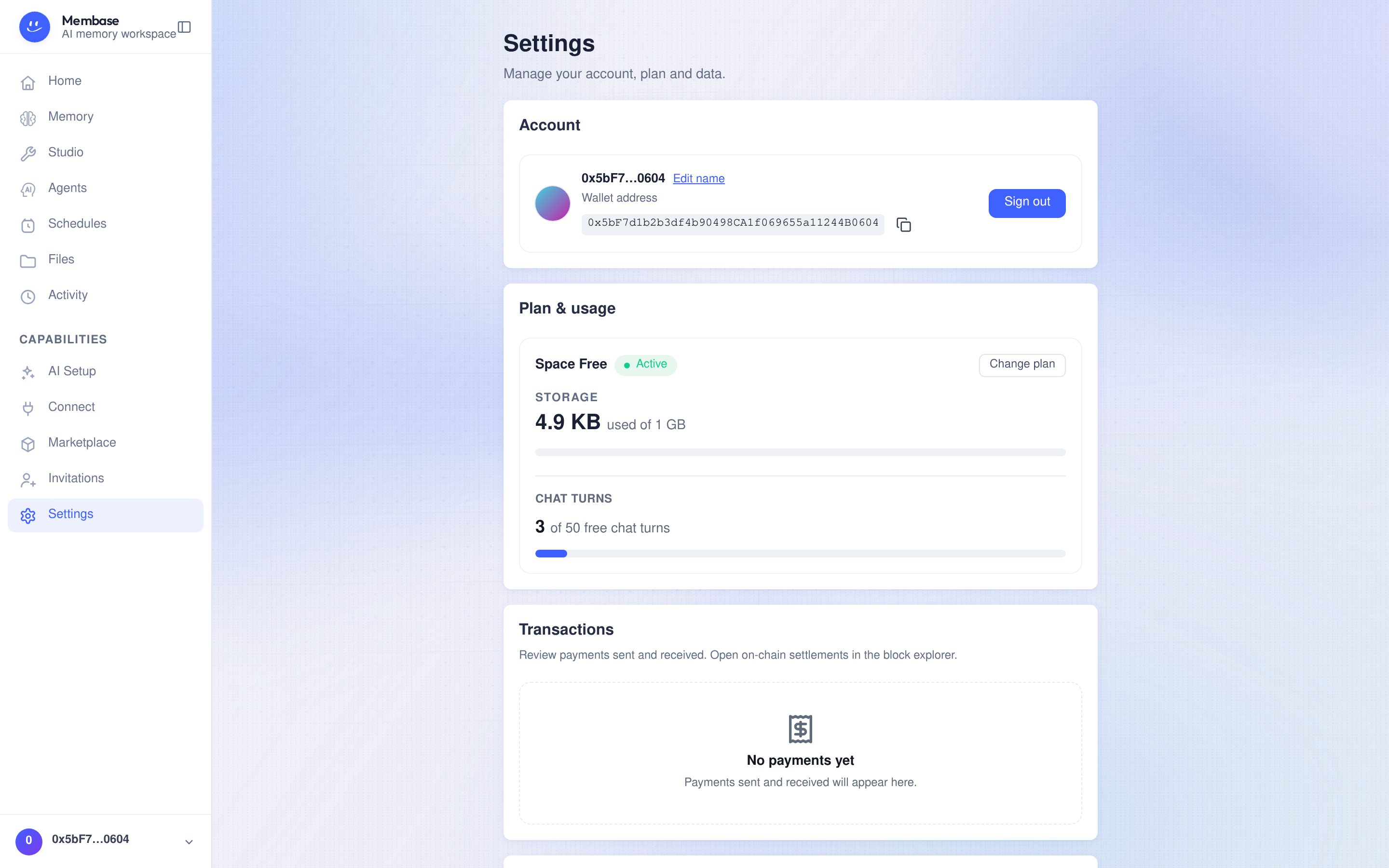
Account
Section titled “Account”View or edit your display name, check your sign-in identity, and copy your account identifier when contacting support. Sign out ends your current session.
Plan & usage
Section titled “Plan & usage”Review your storage usage, quota and free chat turns. Select Change plan to view available plans and their terms. Check the confirmation before making a payment or changing your plan.
- An upgrade applies after payment succeeds.
- A scheduled downgrade keeps the current plan until the date shown. Keep current plan cancels that scheduled change.
- Cancel subscription stops renewal and pauses metered usage at once. The paid period’s storage is kept until it ends, with no refund for the rest of it. The page shows the period end and any pending change.
- If usage exceeds the new storage quota, additional writes may be blocked. Files are not automatically compressed to fit. Export data you want to keep before removing files.
Transactions
Section titled “Transactions”Review payments sent and received, including plan payments and marketplace purchases. Where available, open the linked block explorer to inspect an on-chain settlement.
Your profile
Section titled “Your profile”Who you are, as your memory keeps it: standing statements such as your name, your role or a lasting preference. Your assistant reads them, and so does every connection you allowed to read your profile. Each row says where it came from: You said, Imported or From a conversation.
Type a statement and select Add to keep it; adding one that is already there keeps the existing one. There is no editing: to correct a statement, add the new one and Forget the old. Forget asks you to confirm; once you do, your assistant and your connections stop seeing it at once.
Data & export
Section titled “Data & export”Select Download beside Export account data to download a ZIP archive of available account data and agent memory files.
Check the result message. If it says Export downloaded without agent memory files, the archive is incomplete: wait briefly and export again to include those files. Check the archive contains the data you need before using it as a backup.
If export is unavailable or fails, resolve the error before deleting data you want to retain.
Delete everything
Section titled “Delete everything”Delete everything under Delete account data opens a two-step confirmation. It removes your agent and memory, files including Trash, sources and their credentials, and connected apps and their access. The dialog also identifies affected marketplace subscribers. Your sign-in identity is retained.
- Review the consequences and select Download to save an export. An export missing agent memory files is not marked as a completed backup in this flow. Export again to include them, or explicitly choose Continue without downloading if you do not need a backup.
- Continue to the final confirmation, type
delete everything, then select Delete everything.
Account-data deletion cannot be undone. Keep and verify any export you need before confirming.