Schedules
Every scheduled task in one place: a memory’s cadence, pause and resume, UTC times.
Every scheduled task in one place.
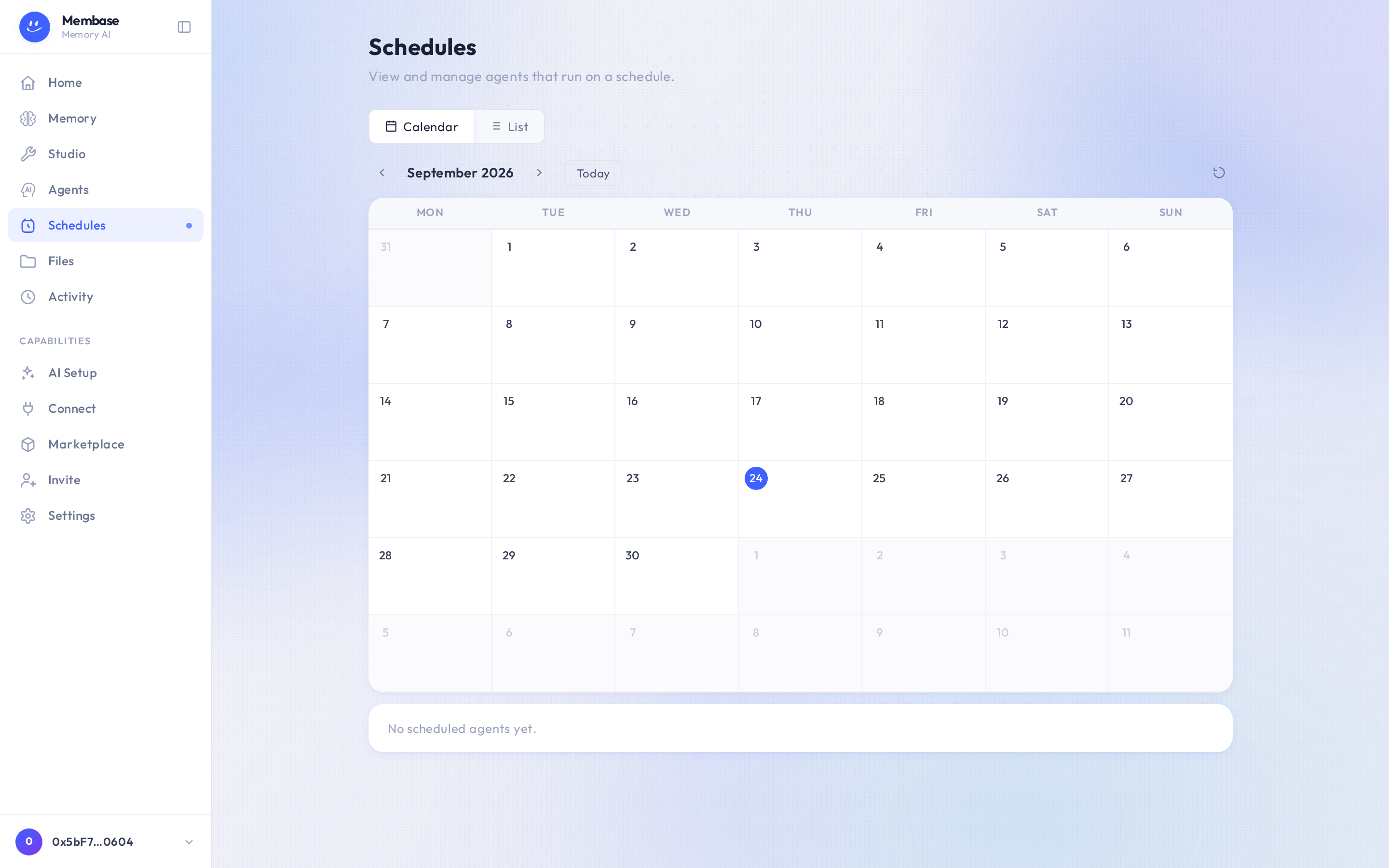
The page has Calendar and List tabs; the List tab holds New schedule. A memory’s cadence, set in its Settings, appears here; so does any agent you put on a schedule. Each row offers Pause / Resume, Edit cadence and Run now. Edit cadence takes effect at once, but the next deploy of the agent’s canvas restores the canvas’s own schedule. Pausing is how a memory’s or workflow’s schedule stops: it has no delete verb, so the row says paused rather than pretending it is gone. A job the agent created for itself has Delete instead (“Delete this agent schedule? This cannot be undone.”).
Cadences are picked, not typed: hourly, daily, weekly, monthly, or Custom cron. Times are UTC.
If something looks wrong
Section titled “If something looks wrong”Look up the word on screen.
| It says | What it means | Do |
|---|---|---|
| No schedules yet | nothing is scheduled | List › New schedule, or add a Schedule block in Studio and deploy the agent |
| paused | the schedule exists and does not fire | Resume |
| the time looks wrong | schedules run in UTC, and the picker shows UTC only | convert to your time zone, or Edit cadence |
| a scheduled result never reached Telegram | only the assistant’s own scheduled runs go to Telegram, and only to a chat bound to it; a Memory’s schedule never does | Home › Remote › Connect Telegram |